THE ULTIMATE GUIDE TO AI PPT MAKER:ONE CLICK PPT GENERATION
Creating presentations is a skill, but let’s face it—designing professional, visually appealing PowerPoint slides isn’t everyone’s cup of tea. Whether you're a student, entrepreneur, teacher, or corporate professional, you’ve likely faced the frustration of spending hours perfecting a presentation. That's where an AI PPT Maker can transform your workflow, helping you save time, reduce stress, and enhance your presentation's quality.
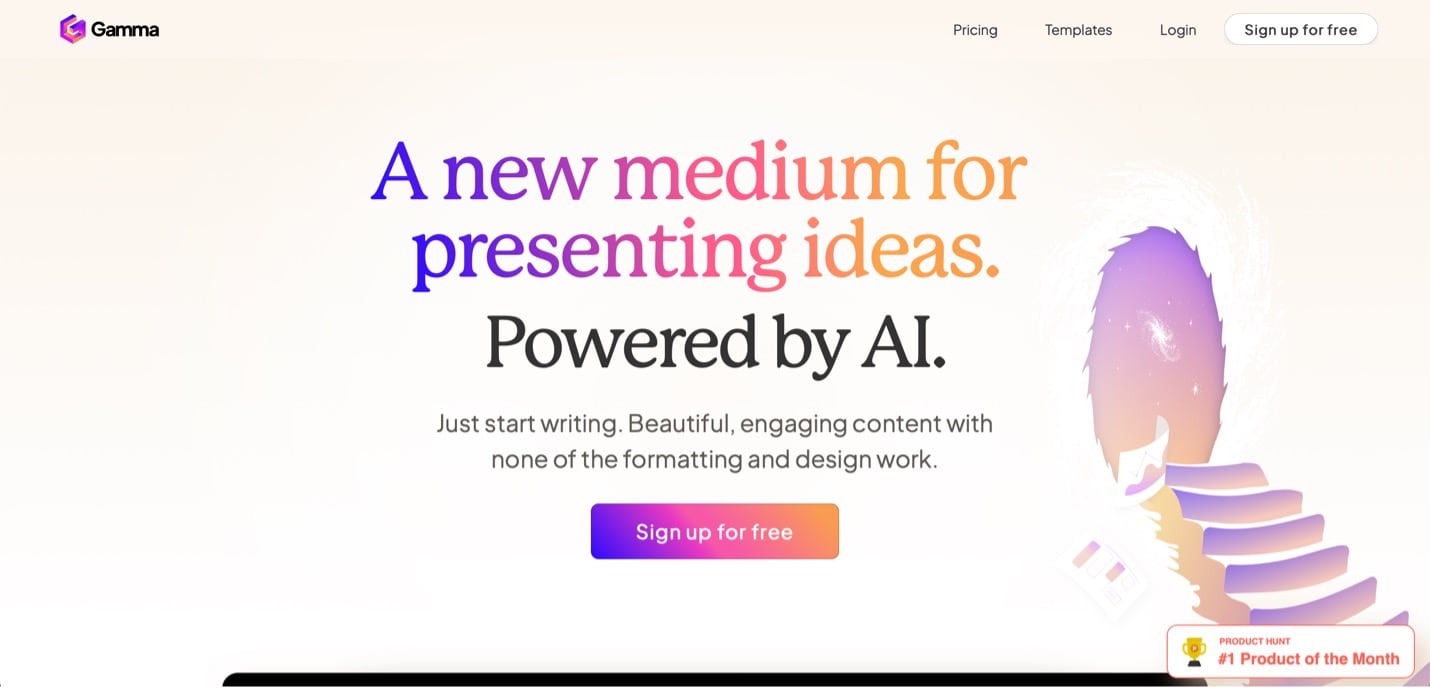
Here's the guide for you to show how can we make our presentation work so easy with just an AI tool. Briefing everything about the ai ppt maker for your big projects and also mentioning some pain points about this.
The Common Pain Point: Struggling with Presentation Design
Spending hours aligning text boxes and images just right.Feeling overwhelmed by design templates that don’t suit your topic.Worrying whether your slides are engaging or visually cohesive.Running short on time and ending up with generic, unappealing designs. All these problems faced by you is simply going to end by using the ai tool , as presentations isn't about aesthetics but about effective communications through ppt to your audience . For non-designers, achieving this balance can be tricky.
Enter the AI PPT Maker—a tool designed to automate and simplify the process while ensuring professional-quality results.
What Is an AI PPT Maker?
An AI PPT MAKER ,or AI presentation maker is a tool that uses artificial intelligence to help you to create presentations quickly. The AI presentation maker lets you create captivating presentations without all the guesswork. Use Generate Text Effect to create a flashy title for your intro slide .
Some AI PPT makers can:
- Suggest slide designs
- Write text
- Find images
- Provide template suggestions
- Automatically adjust layouts and design tweaks
- Provide AI suggestions on how to use design templates.
Key Features of AI PPT Makers:
The range of smart features makes an AI presentation maker exceptionally easy and fast to use.
Design assistance
Color palette selection: Request specific color schemes. Layout optimization: Automatically generate layouts that make your slides look professional.
Smart formatting
Consistent styles: Keep the fonts, colors, and styles uniform throughout your presentation.
Alignment and spacing: Automatically adjust alignment and spacing for a cleaner look.
An option for templates: Use your existing PowerPoint themes and templates to make a presentation with AI.
Data visualization
Chart creation: Create charts and graphs from your data.
Data insights: Receive helpful ideas for how to present your data clearly and effectively.
Summarization
Summary slides: Generate slides that recap key points from each section of your presentation.
Presentation overview: Create a brief, high-level overview of the entire presentation to highlight the main ideas.
Presenting help
Speaker notes: Produce speaker notes to help with your presentation delivery.
Presentation coach: Get tips and practice giving your presentation with AI-powered coaching tools.
Here are some AI PPT MAKERS:
Microsoft Copilot
An AI PPT generator that can create a draft of your presentation based on a file or by describing the content you want.
Plus AI
An AI presentation software for PowerPoint and Google Slides.
Canva
A web -based designing tool that uses AI to help you create presentations , social media graphics , and posters.
SlidesAI.io
A tool for creating professional presentations quickly with an intuitive interface and AI driven design suggestions.
There are some more tools which provides better features and easy access for the user to create their PPT .
BENEFITS OF USING AN AI PRESENTATION MAKER
Time Savings
Create draft presentations in seconds by having the AI generator use your instructions to automatically produce the content ,layout, and images.
Spend less time making individual font , color because presentation AI can do it for you.
Consistent style , tone and branding
Easily maintain a uniform look and narrative voice so the presentation feels cohesive.
Boost Creativity
Get creative design and suggestions that you might not have thought of on your own .
Experiment with modern , innovative designs without a time commitment that could set you back if you decide you want to go in a different direction.
User Friendly
Just tell the AI PPT generator what you'd like your presentation to be about to get started .
For the best results , include the tone you want to use , how many slides you'd like , and any other relevant details.
How to make an AI PowerPoint presentation
1. Open a new presentation
From the Home tab in PowerPoint online or the desktop app, select any right tool suitable for you.
Different tools cater to different needs.
2. Choose how you’d like to create your presentation
You have the option to create a presentation based on a file or by describing the content you want. Select whichever makes the most sense for your needs. If you want to create a project from a file, choose the file, and select send . Review the AI-generated slides and tweak the elements as needed. Skip step three if you made the presentation from a file.
3. Describe what your presentation is about
Tell tool what you’d like your AI PowerPoint presentation to be about. The more specific you are, the better your results will be. For example, “Create a presentation about the best vegetarian restaurants in Brooklyn, New York. Make the tone friendly and easy to understand. Use 10 slides.” Select send.
4. Edit your presentation
Tweak the presentation to be exactly how you’d like with the AI in PowerPoint to add a slide, rewrite a slide, or adjust images.
5. Export and Present
Export your slides in your preferred format (PPT, PDF, or online link) and rehearse your delivery.
Conclusion: Empower Your Presentations Today!
With an AI PPT Maker, you no longer need to dread presentation deadlines. These tools address the challenges of time, design, and engagement, making your slides stand out without requiring advanced skills.
Start exploring tools like Beautiful.ai, Canva, or Visme and experience the transformation for yourself. No matter your profession or purpose, AI PPT makers are here to help you create, captivate, and communicate like a pro.
Need Help Choosing the Right AI Tool?
Check out our in-depth comparison of the best AI-powered design platforms!
Ready to Elevate Your Presentation Game?
Don't wait—embrace the power of AI today and reclaim your time while delivering stunning presentations that leave a lasting impression!





Comments
Post a Comment